
Christian Songs and Music Videos Online
1,387 videos · 12 genres
Watch music videos and listen to Christian songs for free, no sign-up.
On a phone with the screen locked, YouTube may stop playback. This is a limitation of YouTube itself.
A selection of 50 songsfrom all genres, ranked by YouTube views
Christian Music Online
Christian music in one player: listen for free, without registration or software installation, on your phone or computer. No need to search for songs one by one on YouTube: choose a ready-made collection or create your own playlist.
These collections are not our personal picks. Songs and music are selected automatically based on what YouTube itself surfaces in its results for each topic and genre. The selection takes into account fame and popularity (view counts), how well known the artist or brand is, and Christian content. AI-generated music is excluded.
- Ready-Made Collections. 12 genres: contemporary worship, praise, pop, rock, gospel, hip-hop, acoustic, prayer, and peaceful music. Separate songs in Russian, Ukrainian, and Spanish. In each collection, songs are ordered by YouTube view count, and if you wish you can sort them by date or by title (A–Z). The search field searches all collections at once.
- Your Own Playlists. In the “My Playlists” tab, add any YouTube video by link or a song from any collection using the “+” button. You can create multiple playlists and transfer them to another device using a link or file.
- Favorite Songs. Click the heart ♥ next to any song in any list, and it will appear in the “♥ Favorites” tab.
- Convenient Controls. Shuffle, repeat of the playlist or of a single song, sleep timer, seek, and keyboard shortcuts.
- Continue from where you left off. The site remembers the last song and your position in it. On your next visit, it will offer to continue or start over.
- Recently listened to. The section below the player stores songs you have already listened to: you can play any of them again.
- Excluding songs. The crossed-out circle icon to the right of a song in the list excludes it from automatic playback: it will no longer play automatically. You can restore it in the “Recently listened to and excluded” section.
- Listeners’ Choice. The home page shows the songs people listen to most on our site over the last 7 days.
- Working videos only. Videos that stop opening are hidden from the lists automatically.
How to use it
Choose a genre at the top and click a song in the list: the first song in the genre will start automatically unless you uncheck “Auto-start.” Songs in the collections are ordered by the number of views on YouTube. The search field on the right searches for a song across all collections.
- The button with crossed arrows turns on shuffle.
- The button with circular arrows opens the repeat options: “Off,” “Repeat playlist,” or “Repeat song.” When a song is repeating, “1” appears on the button.
- The moon button will turn off the music after 15–90 minutes, after a time you choose, or after the current song.
- The three icons above the list change the song order: by YouTube views, by publication date, or by title (A–Z).
- The heart ♥ next to a song adds it to “Favorites.” All such songs are collected in the “♥ Favorites” tab and stored in your browser.
- The “Recently listened to and excluded” section below the player lets you play a song again or add it to your playlist.
- The crossed-out circle icon next to a song excludes it from automatic playback. You can restore it in the “Recently listened to and excluded” section.
- Open “My Playlists,” paste the YouTube video link, and press “+.” The playlist is stored in your browser on this device. To transfer it, press “Copy link to my playlist,” or save the file with the “Export” button and upload it on another device with the “Import” button.
Player controls:
- Spacebar or K — pause and play
- ← → — previous and next song
- Shift + ← → — seek back 10 seconds
- M — mute and unmute
All videos are played from YouTube and belong to their respective authors. On a phone with the screen locked, YouTube may stop playback.
Popular Artists
All Artists →
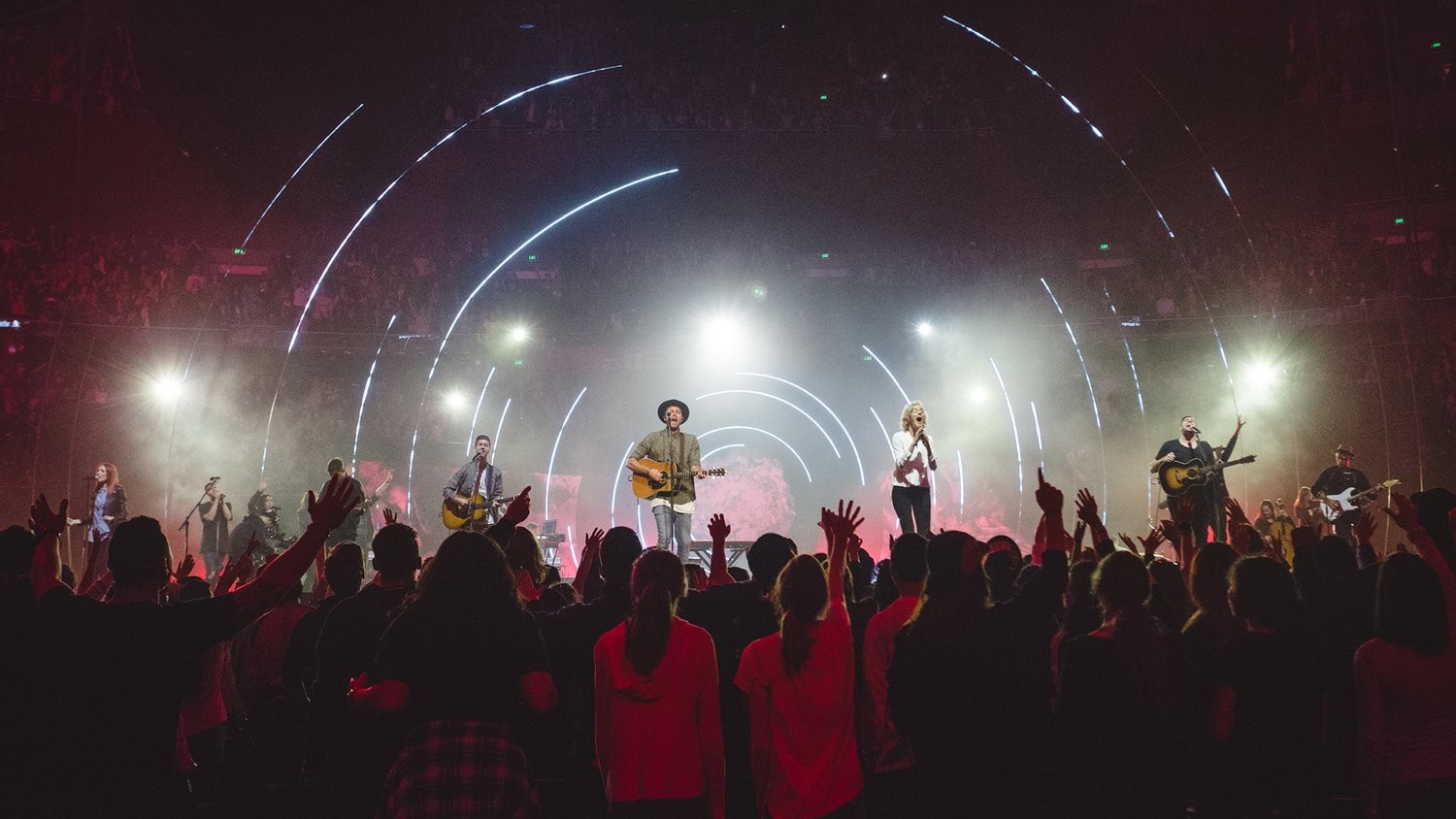


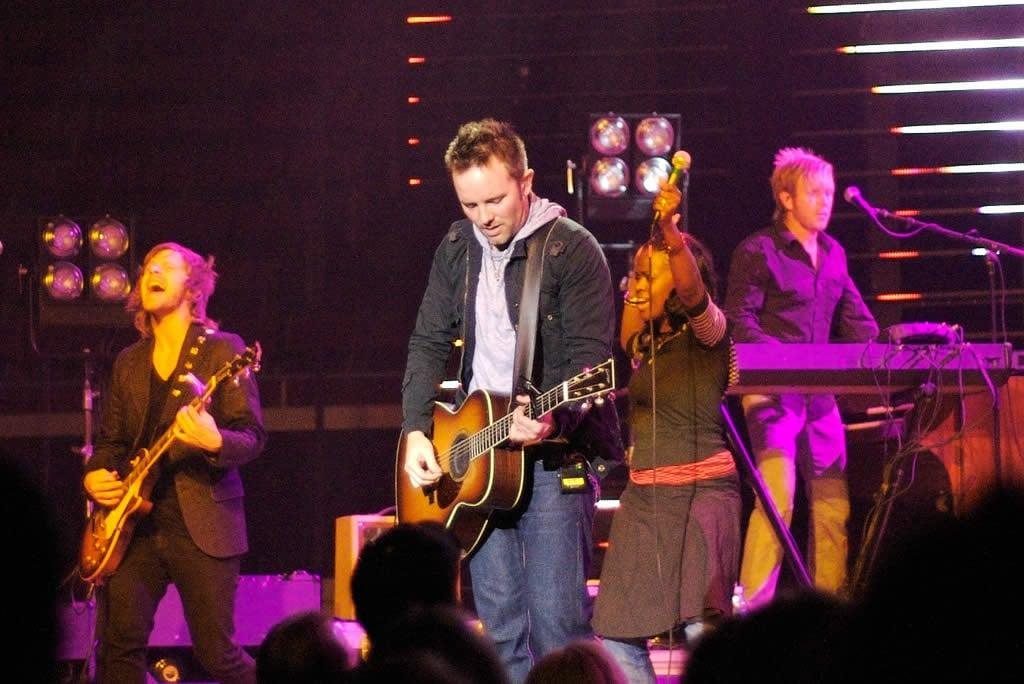


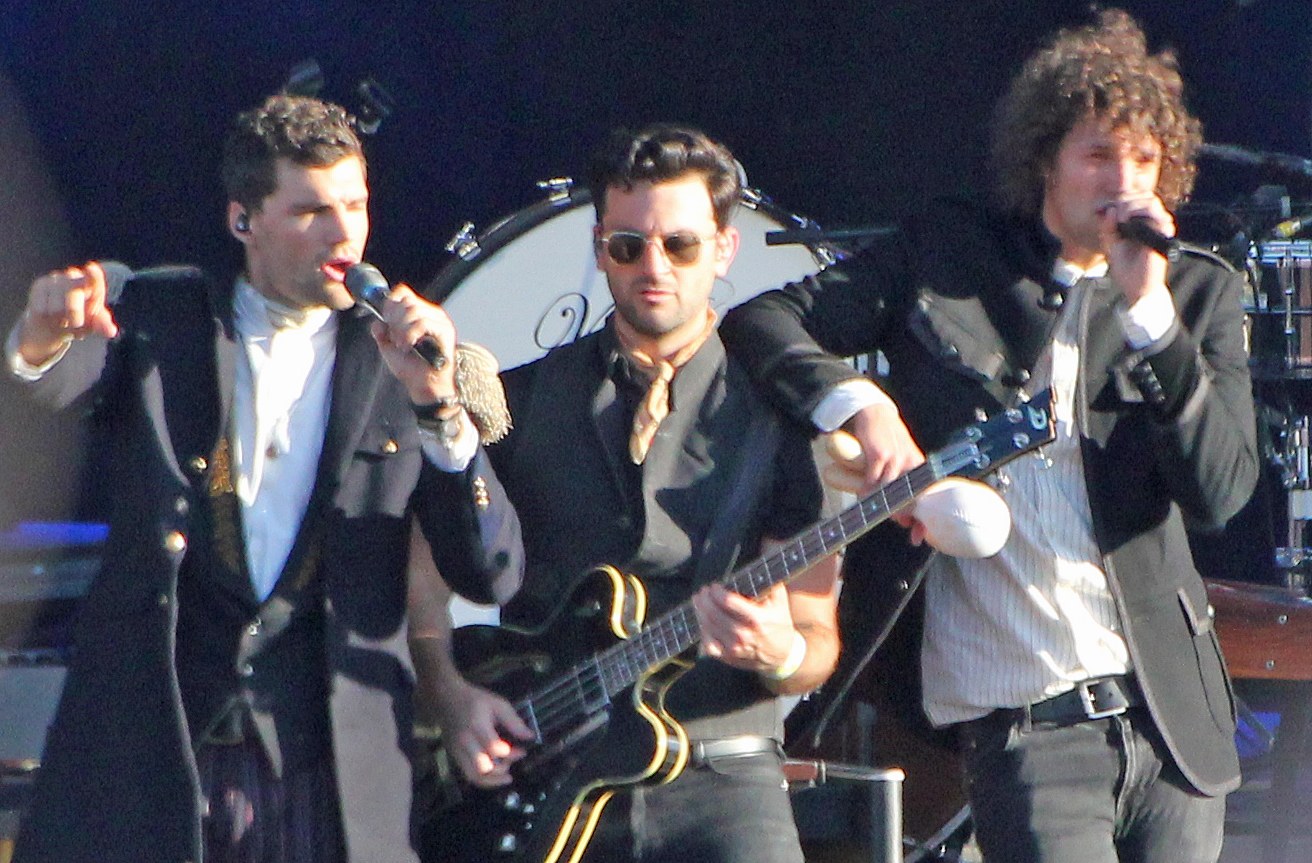
Christian Music Genres
Contemporary WorshipWorship songs sung by churches around the world. Play the entire collection or choose a song from the list.
Modern Worship, or contemporary Christian worship music, consists of songs for church gatherings and personal worship: simple melodies and clear lyrics about God and faith that are easy for everyone to sing together. Many people begin listening to Christian music with songs like these.
Open “Modern Worship” →Christian PopPopular Christian pop songs: melodic, radio-friendly tracks with lyrics about faith and hope.
Christian pop music, or CCM (Contemporary Christian Music), is contemporary Christian music that sounds like ordinary pop music but has Christian themes. These songs are easy to listen to on the road, at work, and at home.
Open “Christian Pop” →Christian Pop-RockMelodic songs with guitar and piano for radio and concerts: “Who Am I,” “I Can Only Imagine,” “God’s Not Dead,” and other songs about faith and life.
Christian pop-rock, known in the United States as Christian Adult Contemporary (Christian AC), consists of melodic band songs featuring guitar, piano, and clear lyrics about life and faith. They are recorded for radio and concerts and listened to at home and on the road, rather than sung by the entire congregation in church. The genre’s roots lie in the soft rock of the 1970s.
Open “Christian Pop-Rock” →GospelEmotional choral worship and live performances: Gospel for those who love energy and powerful vocals.
Gospel, or Gospel music, is a style of Christian music that grew out of African American churches in the United States. It is characterized by choral singing, powerful solos, and live performance filled with joy and gratitude to God.
Open “Gospel” →PraiseJoyful praise to God: “10,000 Reasons,” “How Great Is Our God,” “Shout to the Lord,” and other songs of gratitude and victory.
Praise, or praise songs, are fast, joyful songs of praise sung by the whole church: gratitude to God, victory, and declarations of who He is and what He has done. In a service, quiet worship usually follows praise. Here you will find upbeat songs with a rhythm that make you want to sing while standing and moving.
Open “Praise” →Christian RockGuitars, drive, and lyrics about faith: well-known Christian rock bands in one list.
Christian rock is rock music with lyrics about faith, struggle, forgiveness, and hope. Here you will find international Christian rock: driving guitars, from alternative to heavy sounds. These songs are popular for listening to while driving or working out. For soft, melodic guitar music (Casting Crowns, MercyMe), see “Christian Pop-Rock.”
Open “Christian Rock” →Christian CountryWarm songs about faith, family, and gratitude in a country sound: guitar, vocals, and honest lyrics.
Christian country combines the American country sound with Christian lyrics. The songs are simple and heartfelt, often personal stories about how someone came to faith.
Open “Christian Country” →Prayer and SoakingQuiet music and prayers for time with God: instrumental worship for soaking and prayers read over peaceful music.
Soaking is the practice of quietly dwelling in the presence of God with peaceful, usually instrumental music (Christian music without lyrics), without rushing: a person soaks in the Holy Spirit like a sponge in water. This collection brings together such music and prayers set to music: the words of the prayer are heard over a gentle melody, and you can pray along with them.
Open “Prayer and Soaking” →Peaceful MusicQuiet Christian instrumental music for peace, rest, and the healing of the soul: hymns and songs performed on piano, violin, cello, harp, and guitar. There are no synthesizer pads or backing layers here—only the pure sound of instruments.
This is music for moments when you need to calm down, relieve tension, rest, or simply be in silence: familiar hymns and Christian melodies without lyrics. Here you will hear only the pure sound of live instruments, without electronic synthesizers, background layers, or vocals.
Open “Music of Peace” →Christian Hip-HopRap with Christian lyrics: rhythm, honest stories, and faith in Christ. Tracks from the genre in one list, sorted by YouTube views.
Christian rap, or Christian hip-hop (Christian Hip-Hop, CHH), is rap featuring lyrics about faith, struggle, freedom, and grace. Many performers share personal stories and reach out to young people.
Open “Christian Hip-Hop” →Acoustic WorshipChristian guitar songs: quiet acoustic versions of worship songs, guitar and vocals without unnecessary noise. For evenings, prayer, and reflection.
Acoustic versions have a calm sound: guitar, piano, and vocals. The words feel closer, which is why people enjoy listening to these songs in silence. Christian guitar songs are easy to sing at home, while Christian songs with guitar accompaniment are convenient to listen to in the evening.
Open “Acoustic Worship” →Christian ElectronicEnergetic Christian dance music with electronic sounds and Christian lyrics—for young people, workouts, and a good mood.
Christian electronic music (Christian EDM) is dance-oriented Christian music: songs with synthesizers and a modern beat that express praise to God and a testimony of faith.
Open “Christian Electronic Music” →
Frequently Asked Questions
Can I listen to Christian music here for free?
Yes. Songs play from YouTube directly on the page; no registration is required.
How do I create my own playlist?
Open the “My Playlists” tab. You can create several playlists, such as “My Worship,” “For Prayer,” or “For the Road.”
Create: click “+ New Playlist” and enter a name.
Open another: click its name in the “My Playlists” panel.
Add a song: in any genre, click “+” to the right of the song (if you have several playlists, select the one you want), or paste a YouTube video link into the field below the list and click “+”.
Favorite songs: click the heart ♥ next to a song, and it will appear on the “♥ Favorites” tab.
Rename: the “✎ Rename” button next to the title.
Reorder and delete a song: the up and down arrows and the cross to the right of the song.
Make a copy: the “Make a copy” link below the playlist names.
Delete a playlist: “Delete playlist” (the last one cannot be deleted). The “Clear” button removes all songs at once.
Share: “Copy a link to my playlist” (your friend will open it as a new playlist) or use “Export” and “Import” for the file.
Playlists are stored in your browser on this device.
Will the music play when the phone screen is locked?
Not always. On a phone with the screen locked, YouTube may stop playback. This is a limitation of YouTube itself.
How do I transfer my playlist to another device?
There are two ways.
1) Link: Open the “My Playlists” tab, tap “Copy link to my playlist,” send it to yourself (via messenger or email), and open it on the other device: the songs will be added there as a separate playlist.
2) File: Tap “Export.” On a computer, the my-playlist-imbf.json file will be saved in the “Downloads” folder. On a smartphone, confirm the download: on iPhone, the file will appear in the “Files” app under “Downloads”; on Android, in the “Downloads” folder.
Transfer the file to the other device (via messenger, email, or cloud storage), open “My Playlists” there, tap “Import,” and select this file.
How do I share a playlist with friends?
Open “My Playlists” and tap “Copy link to my playlist,” then send the link to a friend. When they open it, your songs will be added to their device as a separate playlist.
You can also send the file: Tap “Export” and send the my-playlist-imbf.json file. On the “Music” section page, your friend will open “My Playlists,” tap “Import,” and select the file.
It works on computers and smartphones.
What happens to songs already in my playlist when I import?
Importing does not delete anything: new songs are added to the end of the open playlist, while duplicates are skipped.
If you need to clear the playlist, click “Clear” before importing.
Tip: export your playlist from time to time to save a copy. The playlist is stored only in your browser and will be lost if you clear the site data.